

Since we announced the website in September, we added content, improved functionality, and implemented new technologies. Like any project in its early stages, the first version is not like the current version. I learned a lot about creating a fully functional website with a self-hosted WordPress website. My previous experience was with our Data on Wheels blog which is on the free WordPress platform. It has some features built in and others I never thought of. Hosting my own site is quite an eye-opening experience.
New content and functionality
Besides the technology learning curve, I added more content and functionality to the site. Here are some of the highlights.
- Added navigation links in the footer
- Added 38 tools Including ventilators, generators, smart house technology, lifts, and more

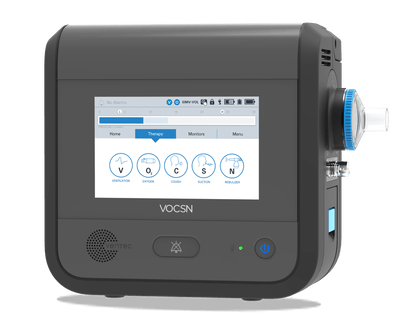
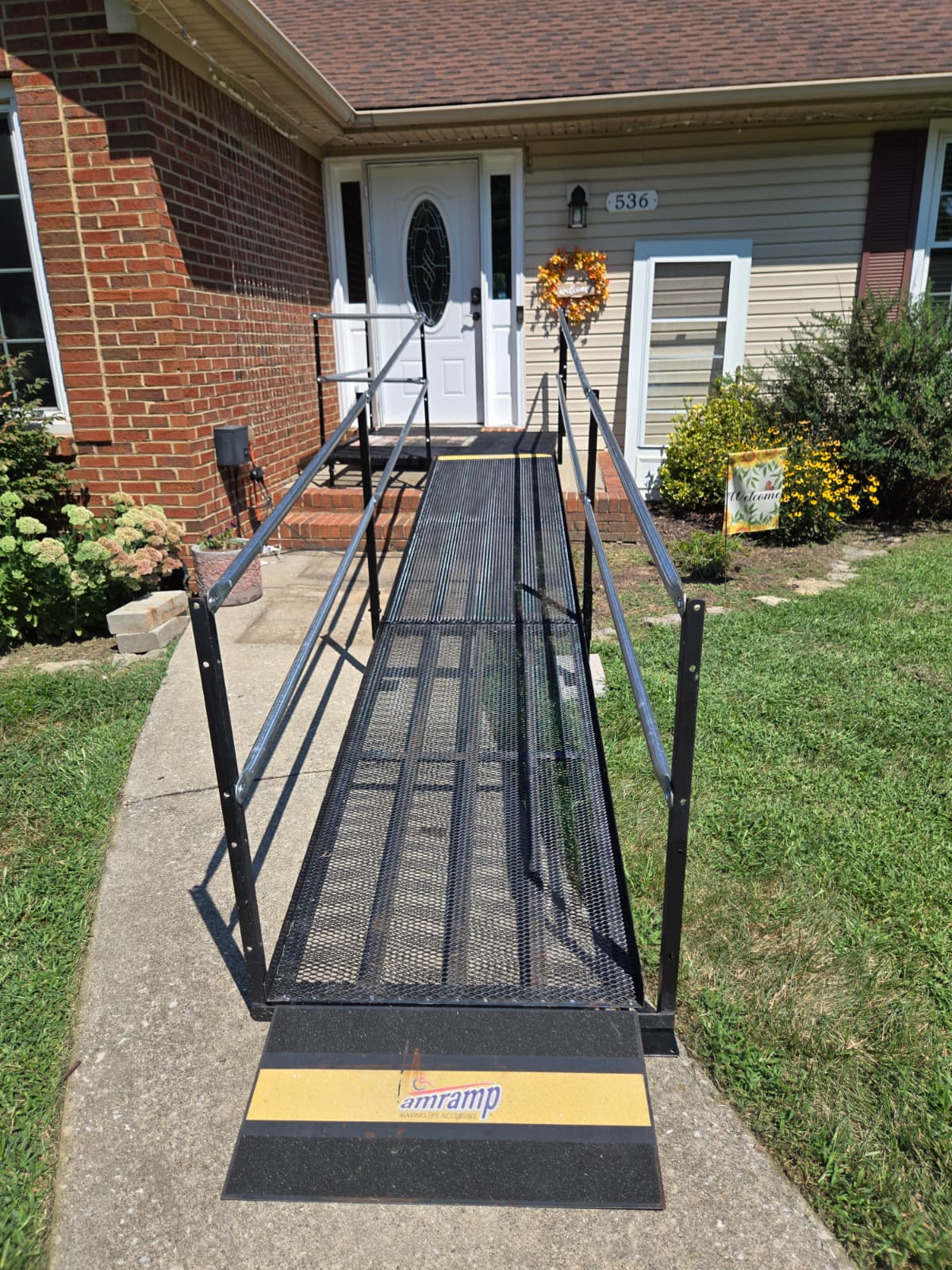
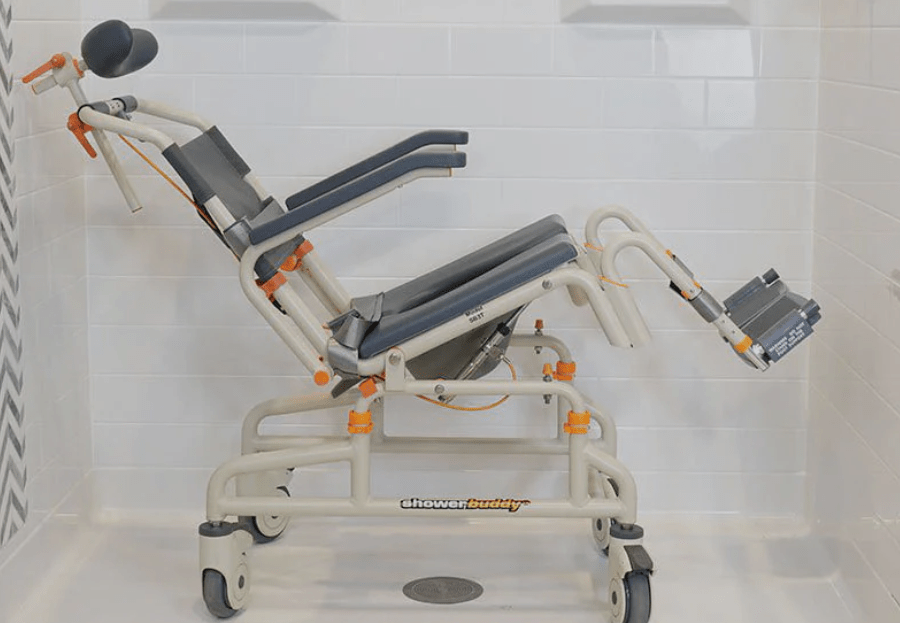
- Added Steve’s ALS stages to the tools to show when they were used
- Added a tools index to help you find where the tools are
- Added 2 new organizations we started working with this month – Bridging Voice and ElevenLabs
- Added 5 articles and 9 resources to the new Articles & Resources page
- Added newsletter sign up
- Added contact form
I made many other changes that should make the site easier to use and more informative. I hope you enjoy it.
In October, we have a few things planned. We will launch our first newsletter which will have stories about caregiving, family, and new content on the website. Be sure to subscribe. We will add at least ten more tools and start an FAQ. And, of course, we will freshen up the contents.
The technology update, for those who are interested
I created the website with WordPress on GoDaddy. I use the Kubio Pro plug in to make the design process easier. Right away, I realized the website was missing two key components I used on our WordPress hosted blog: statistics and email. Adding these two features would send me down some rabbit holes.
WordPress.com spoiled me with its included Jetpack stats. Jetpack did not offer a free option so I chose MonsterInsights. MonsterInsights is a part of Awesome Motive. I bring this up because getting MonsterInsights led me to many other products they have that I added to my website. Here is the list of plug ins I am using beyond MonsterInsights:
- All in One SEO (AIOSEO) Free. I use this to add focus keywords and optimize my search engine page previews. It also creates sitemaps for search engines.
- UserFeedback Lite. This lets me add feedback surveys.
- Duplicator. I use this to create backups of my site.
- WPForms Lite. I created my contact form with this plug in.
- WP Mail SMTP Pro. I needed to upgrade to Pro to use Microsoft 365 email services.
- WPConsent. I customized and added a cookie consent form. Cookies are used to improve my analytics.
- Broken Link Checker. It currently only validates internal links. I am evaluating an upgrade to Pro to check external links.
Except for WP Mail SMTP Pro, I am using the free versions of these plug ins. To support AIOSEO, I had to set up accounts with Google Search Console and Bing Webmaster Tools.
I also use Super Page Cache and Optimole to improve performance on my site. Optimole is used to improve image performance. I am using the free versions of these plug ins.
One big piece of functionality that I wanted was subscription support. This was more difficult than I thought it would be. You need a CRM to manage your subscribers or contacts. Then you need a marketing platform to send emails out to your subscribers.
Thankfully, there are many options out there that bundle these together and work for small operations like me. I chose Brevo based on research, reviews, and the right price, $0. So far, it is working well for me. I did have to upgrade my email accounts with GoDaddy to make them compliant with the various email services. Otherwise, my emails went directly to junk. I am looking forward to learning more about this platform. I created my subscription form with Brevo and will use it for my first newsletter this month.
As you can see, I learned much this past month. It will take time and patience to get better at this. My intention is not to scare anyone who might be considering this. Remember that I first created the Data on Wheels blog in 2010 with minimal effort. I wanted to use this platform to be more creative. This option makes that possible and has been code free which has made it easier for me to build using eye gaze.
That’s right, this site was created “hands free.”
