
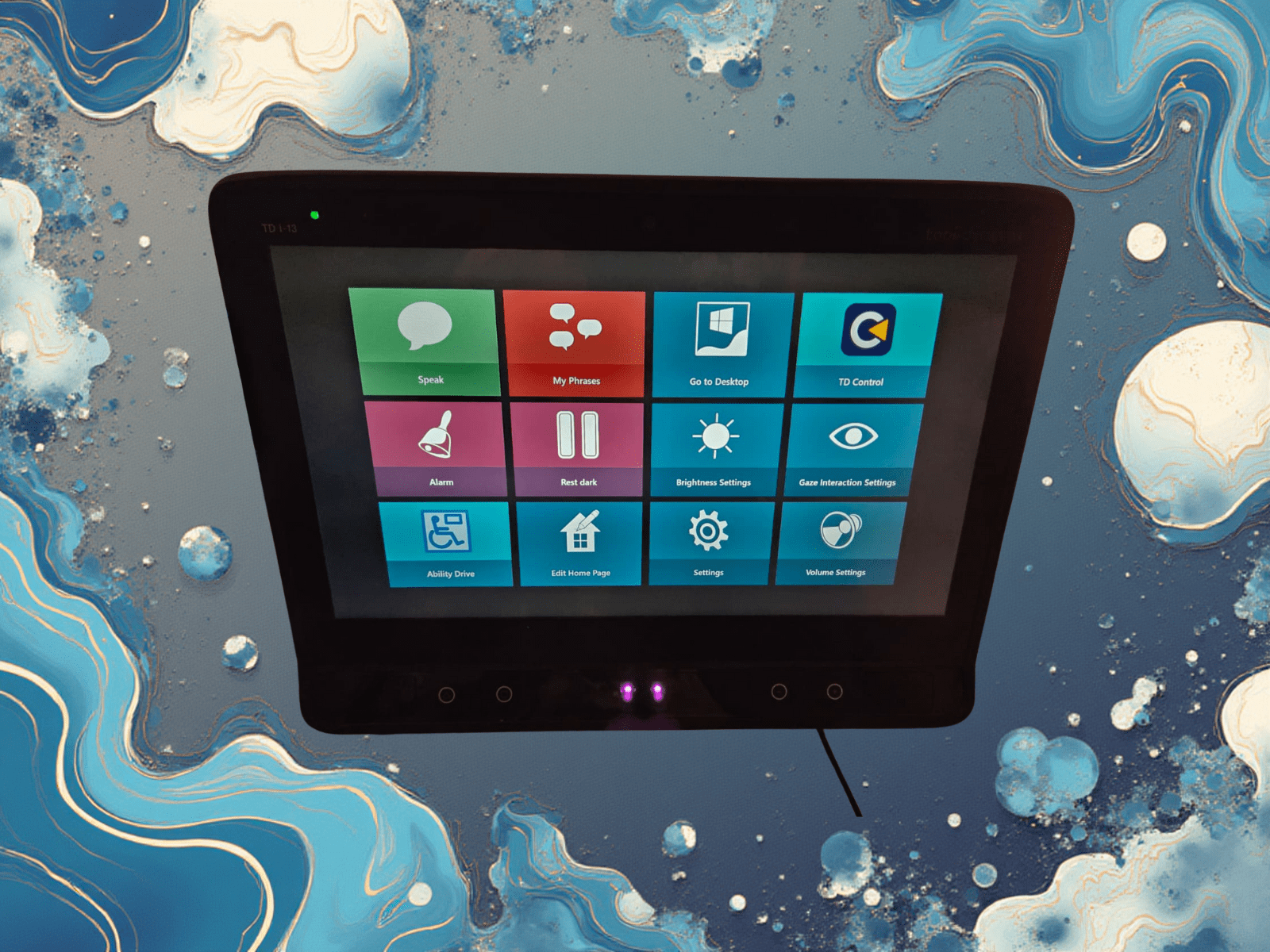
I have been asked to give my thoughts about TD Snap and Communicator 5 a few times. Well, here goes. I am going to compare these AAC apps for speaking.
Setting the stage
Because these two programs can be set up and used in different ways, I want to set the stage with my setup and usage. I am running both programs on a Tobii Dynavox I-13 device running Windows 10. I primarily use these applications for voice communication with others. I use both with Alexa as well. I do not use either application with my phone, email, TV, or Internet. I use TD Control with Windows for all those functions. (I am using TD Control right now.) Now that the stage is set, let’s dig into my thoughts on TD Snap.
Using TD Snap
I started using TD Snap in the hospital after my tracheostomy. I had used eye gaze before that, so my learning curve on eye gaze was not that steep. However, I was far from proficient. Our Tobii Dynavox rep brought us an Apple device to try first. I liked it, but it is not compatible with Ability Drive which would let me control my chair with my eyes. So, she brought us a Windows device to try.
With her help, we got it set up for us. I chose TD Snap because it was more polished than Communicator and had more functionality. I also thought Communicator seemed to have too many symbol buttons. We set up Snap to use text not symbols. I did not want to remember what a symbol meant. I just wanted to read the buttons.
One of features I like in Snap is QuickFires. This is a set of buttons that can be programmed with phrases that can be used quickly. I use these for greetings like “good morning”, expressions like “I love you”, responses like “I agree”, and requests like “I need suction.” It is easy to add new and modify existing buttons. You can add more pages, but I do not like paging through buttons, so I added more buttons to the Notes page.
QuickFires page in TD Snap Notes page in TD SnapWe created a custom page for nighttime to help me wake up my caregivers if I needed help. It was a darker page with three big buttons. The alarm button plays an alarm clock sound we uploaded. The “I need help” button speaks that out. These buttons are very good at waking up my caregivers and alerting them that I need help. My only issue is that the play/pause button is small and in the lower left corner. If my head moves too much, I have difficulty hitting that button. I like to pause the system to prevent accidental button pushes. One other problem is screen brightness. We changed a lot, but there is still too much white. This can be annoying when trying to sleep. The third button exits TD Snap and opens Windows with TD Control enabled. This lets me work with my other apps.
Custom Alarm page in TD SnapWrapping up on TD Snap. Overall, I like Snap’s button voice options. These quick speaking capabilities are its strength. I do not like the keyboard experience in Snap. I find it harder to work with versus TD Control and Communicator. Customizations need to be done by caregivers which can be frustrating when trying to communicate and customize at the same time. Tobii Dynavox is committed to this product. They continue to improve it, which is a good thing. Now some thoughts on Communicator.
Using Communicator 5
The decision to try Communicator 5 was driven by the number of steps required to make my AI voice work in both applications. There are three more pages of instructions for TD Snap. While reviewing the instructions, I liked the look of the integration in Communicator more, so I gave it a try. I was pleasantly surprised by how much I liked it right away. The application is much simpler than TD Snap and I find it the better option for speech communication.
I like the keyboard more on Communicator. This has made it easier to use when trying to have live conversations. Being able to type well and the saved phrases make conversations less frustrating for me. The saved phrases are the nearest equivalent to TD Snap’s QuickFires. The big difference is that phrases and the keyboard are on the same page whereas QuickFires are on a different page. I find it much easier to “stitch” phrases and custom text together in Communicator.
Keyboard in Communicator 5 with the custom AI voice button Phrases page in Communicator 5I also like the customization and configuration options better in Communicator. I can easily access the configuration settings in Communicator. I have changed dwell times, the home page, and screen brightness to name a few. I also like how easy it is to bring a setting to home page if change it a lot. I have brightness and eye gaze settings on my home page.
It is more difficult but not impossible to customize a pageset. You need to follow these instructions to open a pageset for editing. After you have it open, you can edit the pageset using TD Control. This also lets you create new pages. (Note: caregivers can edit pagesets by right clicking the pageset they want to edit.) I used this functionality to create a dark version of the rest pageset for sleeping.
Modified home page in Communicator 5 Custom rest page in Communicator 5Wrapping up Communicator. I prefer Communicator for my uses and the ability to customize it. I am concerned about Tobii Dynavox’s commitment to the product because they have not made updates to it in over a year. They are focused on TD Snap more at the moment. Before I finish, I want to discuss voice options.
Voice options
Both programs support voice banking and have voices included. I banked my voice with Acapela. It works fine in both. I use my banked voice with TD Snap. When I started working with Bridging Voice and Eleven Labs to create my AI voice, I started using Communicator. You can use your AI voice in both programs. Be sure to work with Bridging Voice to receive one of the Eleven Labs licenses reserved for people with ALS. You will need both voices because the AI voice requires an Internet connection.
My final thoughts
As you can tell, I prefer Communicator. However, I would highly recommend you try both options. You really need to try them out for a couple of weeks each. If you are new to eye gaze, pick one to learn on for a month or two before switching. I think it’s worth the time to become proficient with eye gaze before you try a different program. At the end of the day, this is our way to talk to the world! Be patient. You will struggle at the beginning, but the end result is worth it.
Leave a comment or send us a message with your questions or thoughts on this.

One response to “TD Snap vs Communicator 5 for speaking (AAC)”
Unbiased, great review Steve. I learned so much about all of it. Keep moving forward! You should have a Quickfire for “My family is amazing”