Library Books on Kindle – Mikayla Hubbard, our daughter
There are a few ways to read library books on Kindle, this how-to guide will talk through how to use the app, Libby. The first step is to apply/sign up to get a library card from your local library or online for libraries that allow anyone to hold a card regardless of living location. Once you have received your digital or physical library card, download the app, Libby. On the Libby app, click the center button on the bottom of the screen to view the “Your Libraries” tab and select “Add Library”. In the search box, search for the library that you have the card for and select “Sign in With My Card”.
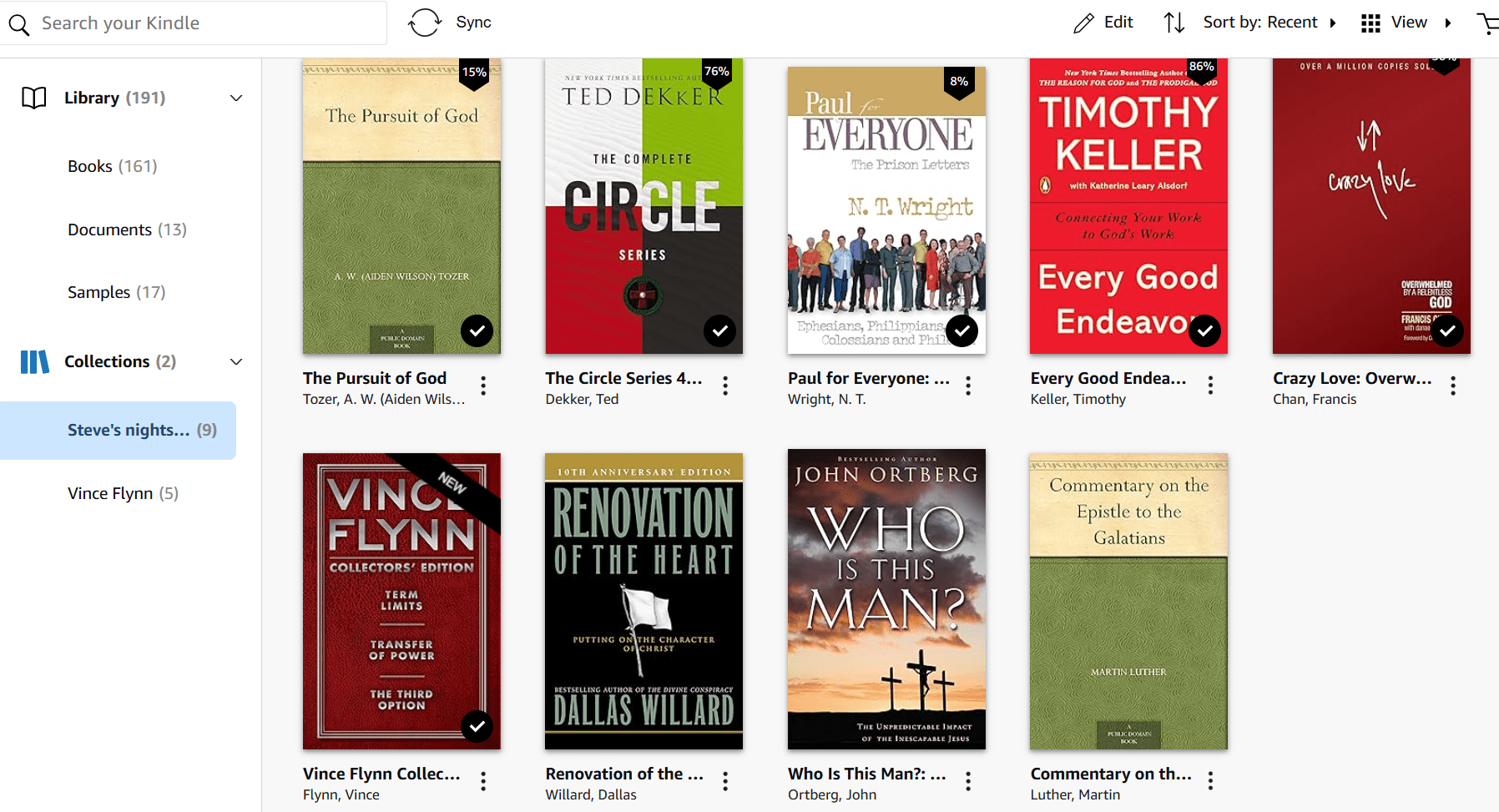
Once the card/library is connected, you can search for any books and select the “Borrow” or “Place Hold” option depending on the availability of the book. After selecting “Borrow”, select the “Read with Kindle” option which will take you to your Amazon account. Select “Get Library book” and it will appear on all your Amazon Kindle devices!
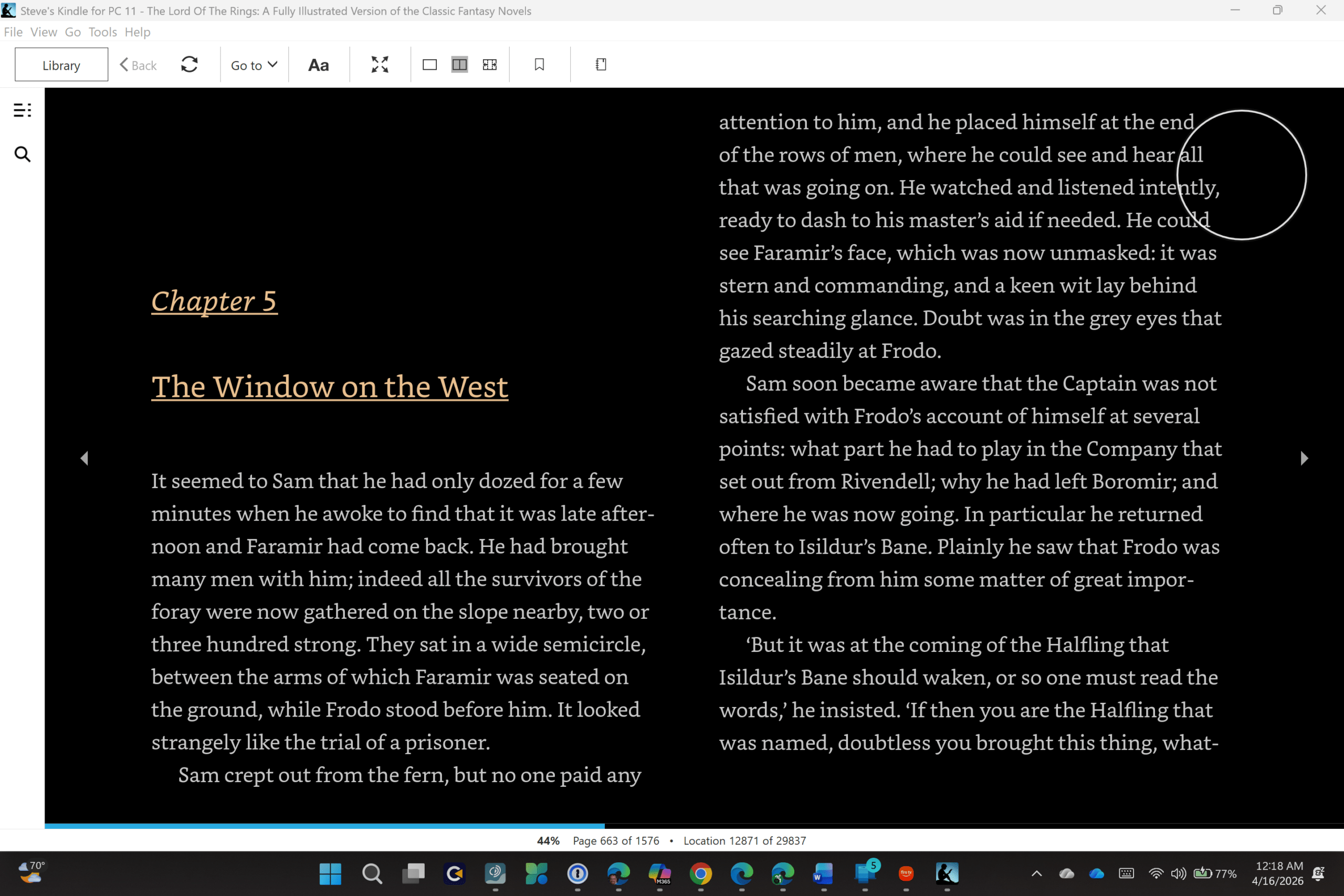
There are many benefits in reading library books on the Kindle. For one, the ease of travel is unmatched. With reading books on Kindle, there can be 5 books at your disposal with only needing to bring one device that is smaller than your average book. If it is a series, you can get the next book while not at home and keep on reading, avoiding any potential cliff hangers. A benefit to specifically reading library books on Kindle is the major cost-saving that can come from library books. Many books now cost around $18 for a paperback and even more for a hard-back copy. Reading books for free, without needing to leave the house to check them out, can save hundreds of dollars a year while also not causing any inconvenience.
The Kindle and Libby App combination helps make reading accessible for all and provides the opportunity to try books without being stressed about the big price tag that can be attached. If you still love filling up your bookshelf, you can always buy the book after you read it on your Kindle and know that you are going to love to re-read it someday in the future!
Learn more
Getting started with Libby
With Libby, you can enjoy free ebooks, digital audiobooks, and magazines from your library. All you need is a library card.


Reviews
There are no reviews yet.