
Description
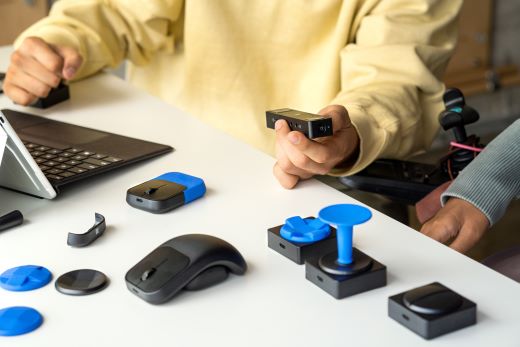
I used a Microsoft Adaptive Button to help me control the buttons on my mouse. It was sensitive enough to work with the little toe mobility I had left. I ordered a custom 3D printed topper to make it easier to use.
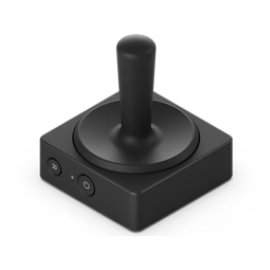
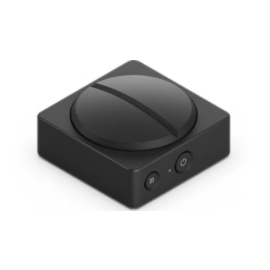
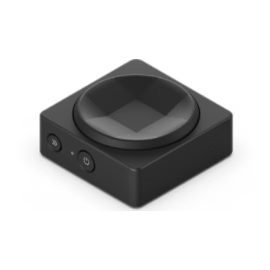
While Microsoft sells three different versions of its adaptive buttons, they are the same button with three different toppers. The accessory software can be configured to work for each of them – joystick, d-pad, and dual. I originally purchased the joystick but purchased an oversized d-pad to make it easier for me to use with my toes.
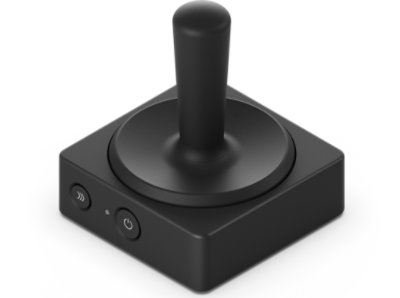
Buy Microsoft Adaptive Joystick Button – Microsoft Store
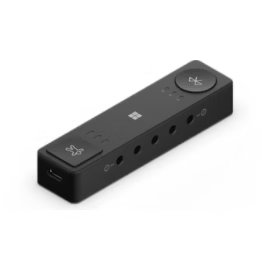
The Microsoft Adaptive Joystick Button can be combined with the Microsoft Adaptive Hub to create an accessible and adaptive alternative to a traditional keyboard. This wireless adaptive button can be programmed with 8 inputs to complete multiple tasks across your PC and phone. Download 3D-printable designs from Microsoft to meet specific needs.

Reviews
There are no reviews yet.